- Home
- Documentation
- Alerts and channels
Documentation
Alerts and channels
What Zekura reports, at which severity, and how you receive it: in the portal, by e-mail, via webhook or Matrix.
The notification centre
The bell at the top shows everything the platform reported, for your organisation and, for IT partners, for all their customers. You acknowledge warnings and critical alerts; that way a colleague sees that someone is on it, and the acknowledgement goes into the chain.
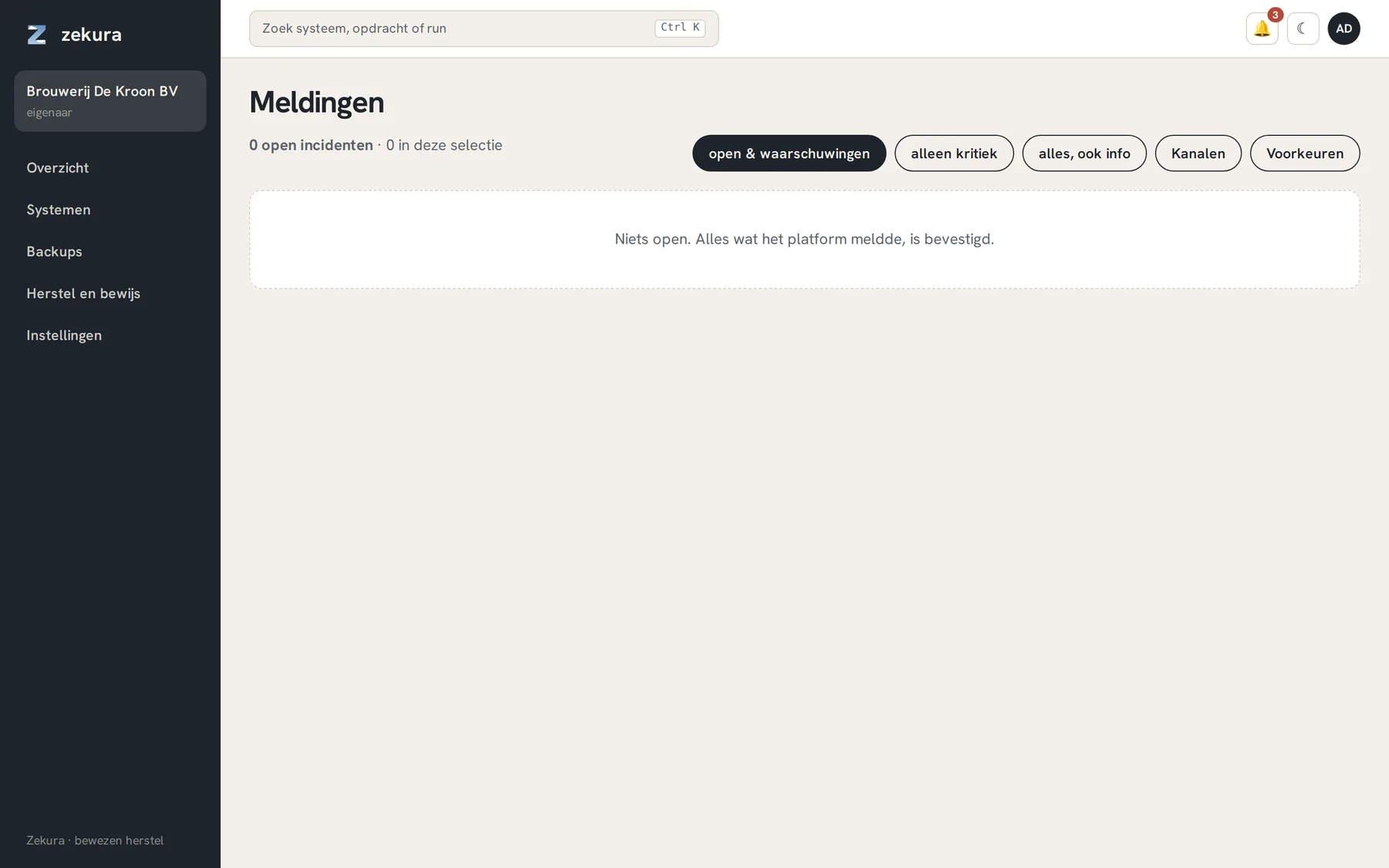
An empty notification centre is the goal: everything the platform reported has been acknowledged.
Channels
Settings → Alerts → Add channel. Three kinds: webhook (POST with JSON, optionally a secret in a header), e-mail (SMTP) and Matrix (bot token and room). Per channel you choose from which severity it reports. Use Test to see whether it arrives.
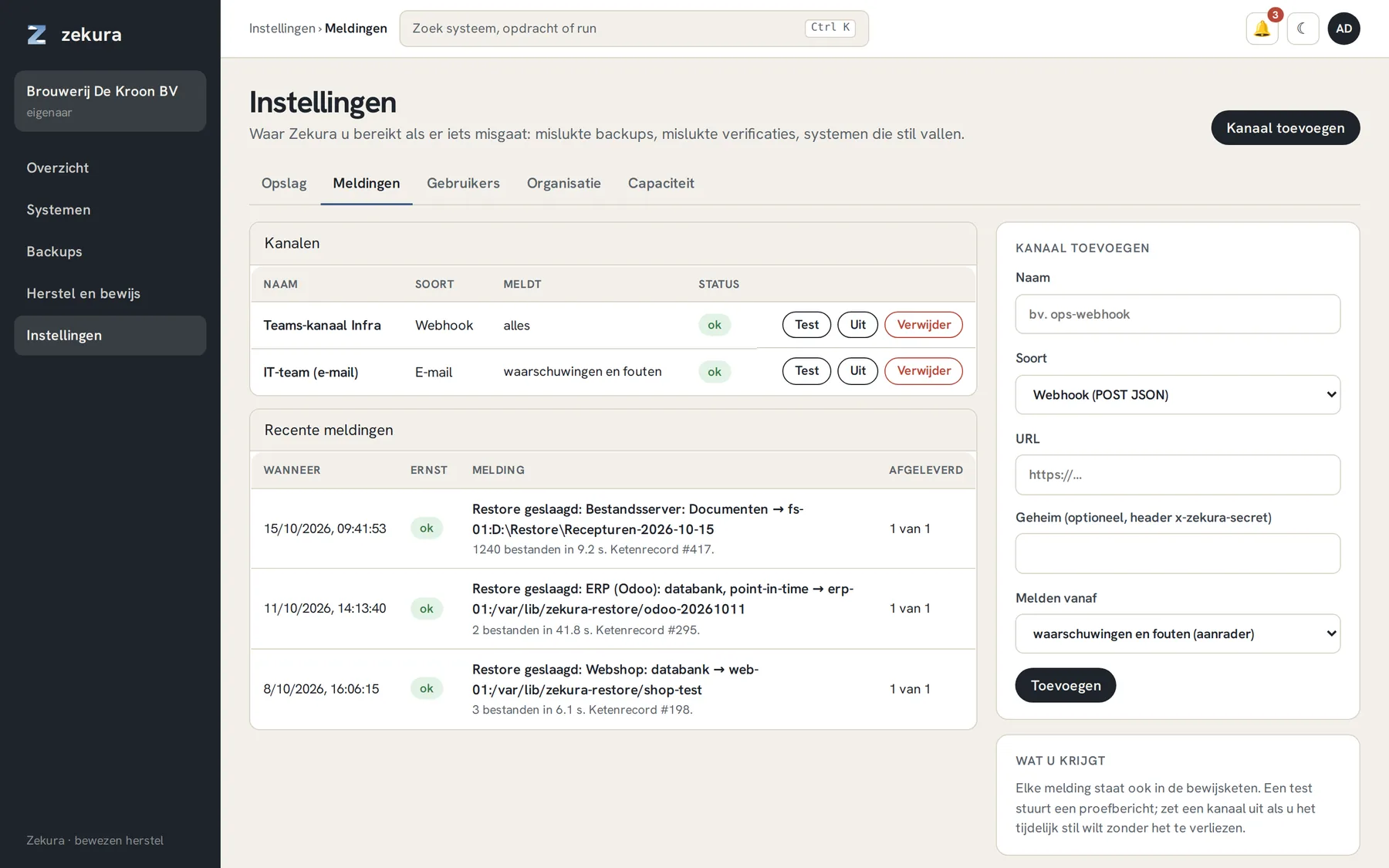
Under Preferences you choose from which severity you personally want e-mail.
What Zekura reports
| Alert | Severity | When |
|---|---|---|
| Backup failed | critical | a run failed |
| Verification failed | critical | a snapshot cannot be fully read back: delete nothing, contact us |
| Host offline | critical | a system has not reported for fifteen minutes |
| Anomaly | critical | suspiciously much new data (encryption?); pruning frozen |
| Unexplained deletions | critical | more delete markers than the chain accounts for |
| Backup not started | warning | a scheduled backup has not started half an hour after its time |
| Backup with warning | warning | a run succeeded, but some files could not be read |
| RPO breached | warning | the WAL shipping of a point-in-time job is three intervals behind |
| Change requested or applied | warning | a delayed change (72 hours) |
| New unprotected component | warning | the agent discovered a database or volume without a job |
| Restore completed | info | a restore is done, with measured duration |
The same problem that persists is counted in one alert instead of being reported again every time.