- Home
- Documentation
- Getting started in ten minutes
Documentation
Getting started in ten minutes
Register, add a first server, create a first job and see a backup within the hour that has actually been restored.
1. Create an account
Go to app.zekura.eu/register. You fill in three things: the name of your organisation, your e-mail address and a password of at least twelve characters. After the confirmation e-mail, Zekura creates your organisation, with its own storage, its own keys, a default policy and an empty evidence chain that starts at record 1.
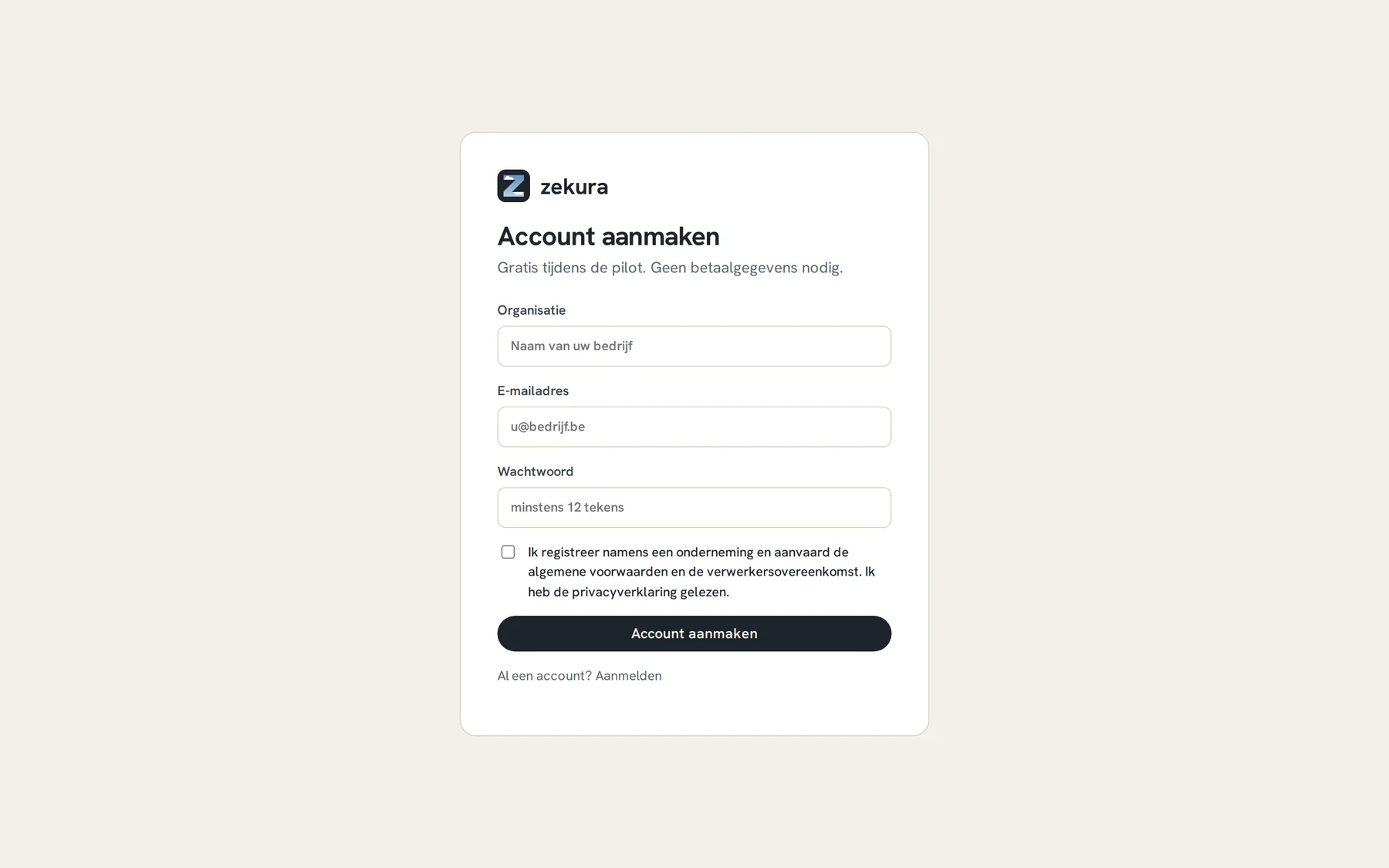
When registering you accept the terms and conditions and the data processing agreement (both in Dutch). Time, version and IP address become the first records in your chain. No card, no trial that quietly turns into an invoice.
2. Store your recovery key
The Getting started screen walks you through six steps to your first verified backup. One of them is the recovery key: Zekura shows the key of your backups in five shares, three of which you need to restore even without Zekura. Keep the shares in different places (two colleagues, a safe, a password manager, paper) and confirm that in the portal. More in Keys.
3. Add a server
Systems → New system gives you one command with a one-time token that is valid for seven days.
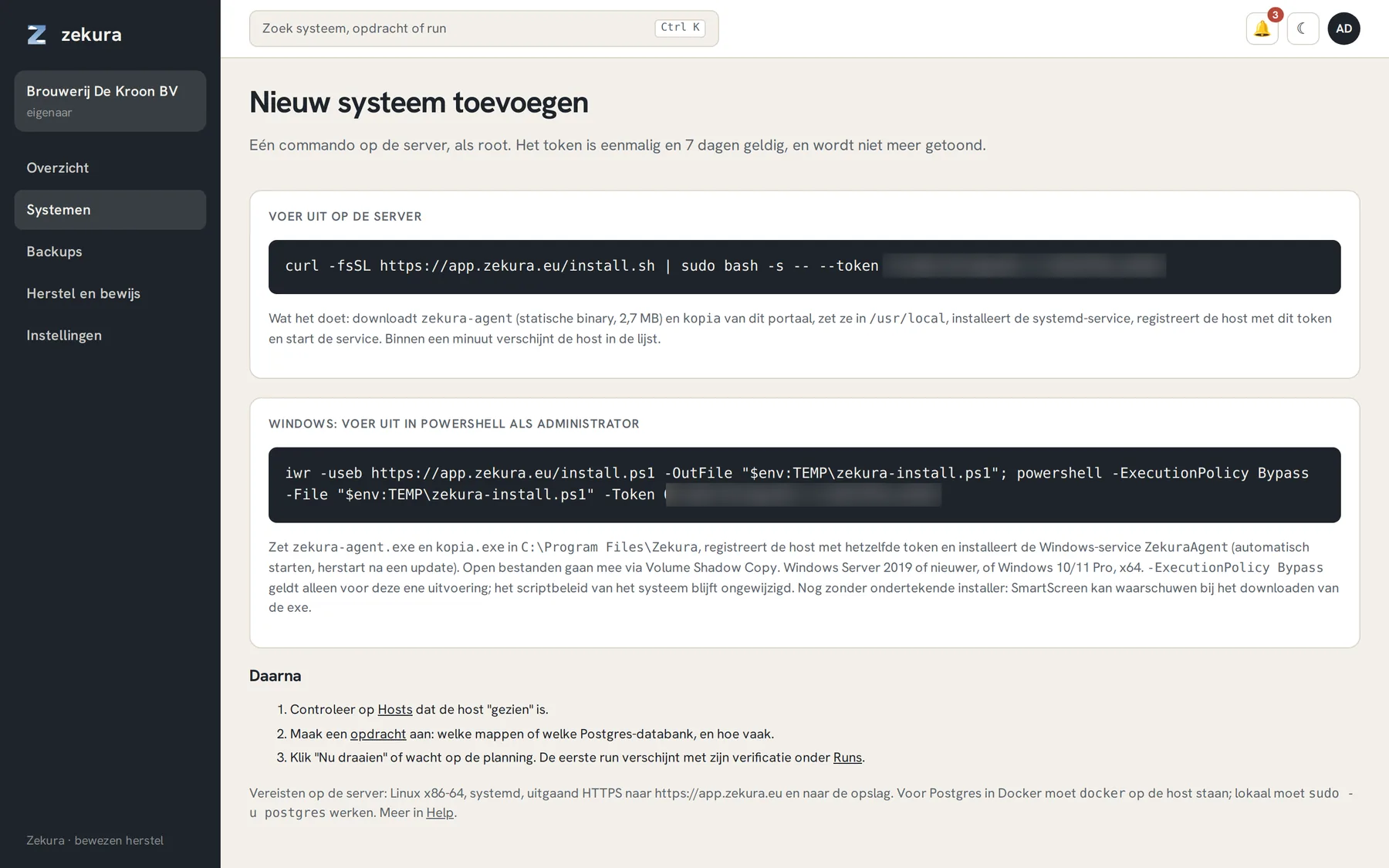
Run it on the server, as root:
curl -fsSL https://app.zekura.eu/install.sh | sudo bash -s -- --token <token>
For Windows Server there is a PowerShell command next to it. Within a minute the server appears in the list with status "healthy". The agent needs no inbound ports, only outbound HTTPS to the portal and to the storage.
4. Create a first job
Backups → New job. Choose the server and the kind: files and folders, a PostgreSQL or MySQL database, Docker volumes, a whole Proxmox VM, Microsoft 365, and more. A good first job is /etc plus the configuration folder of your most important service: small, fast, and immediately useful.
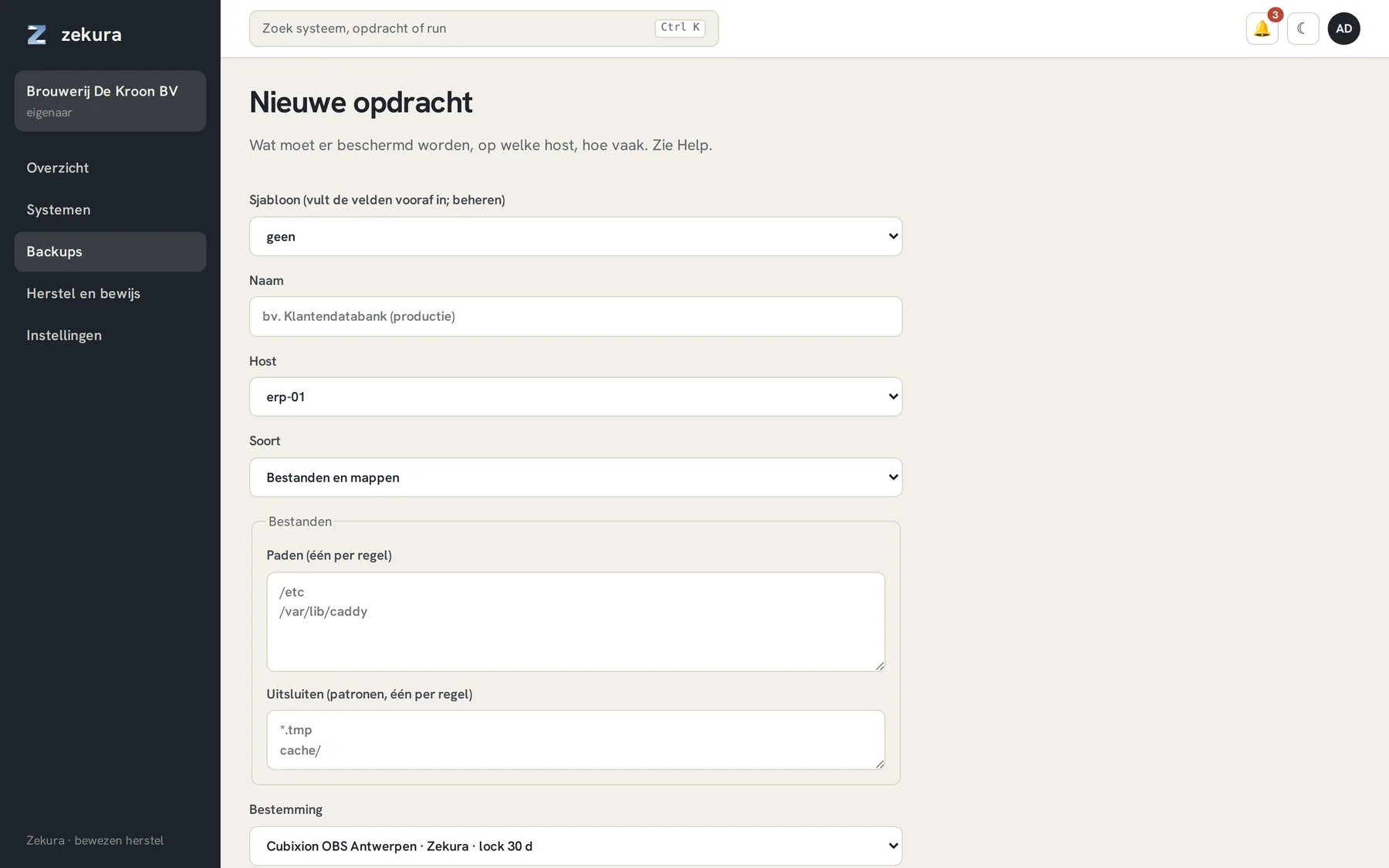
The default destination is Zekura storage at Cubixion in Antwerp, with a thirty-day object lock. Click Run now or wait for the schedule.
5. Watch what happens
A few minutes later the first run appears under Backups → Activity, and almost immediately after that the first verification: a separate machine has read back the whole snapshot with an empty cache, as if it were a new server. On the Overview your first Restore Assurance Score appears.
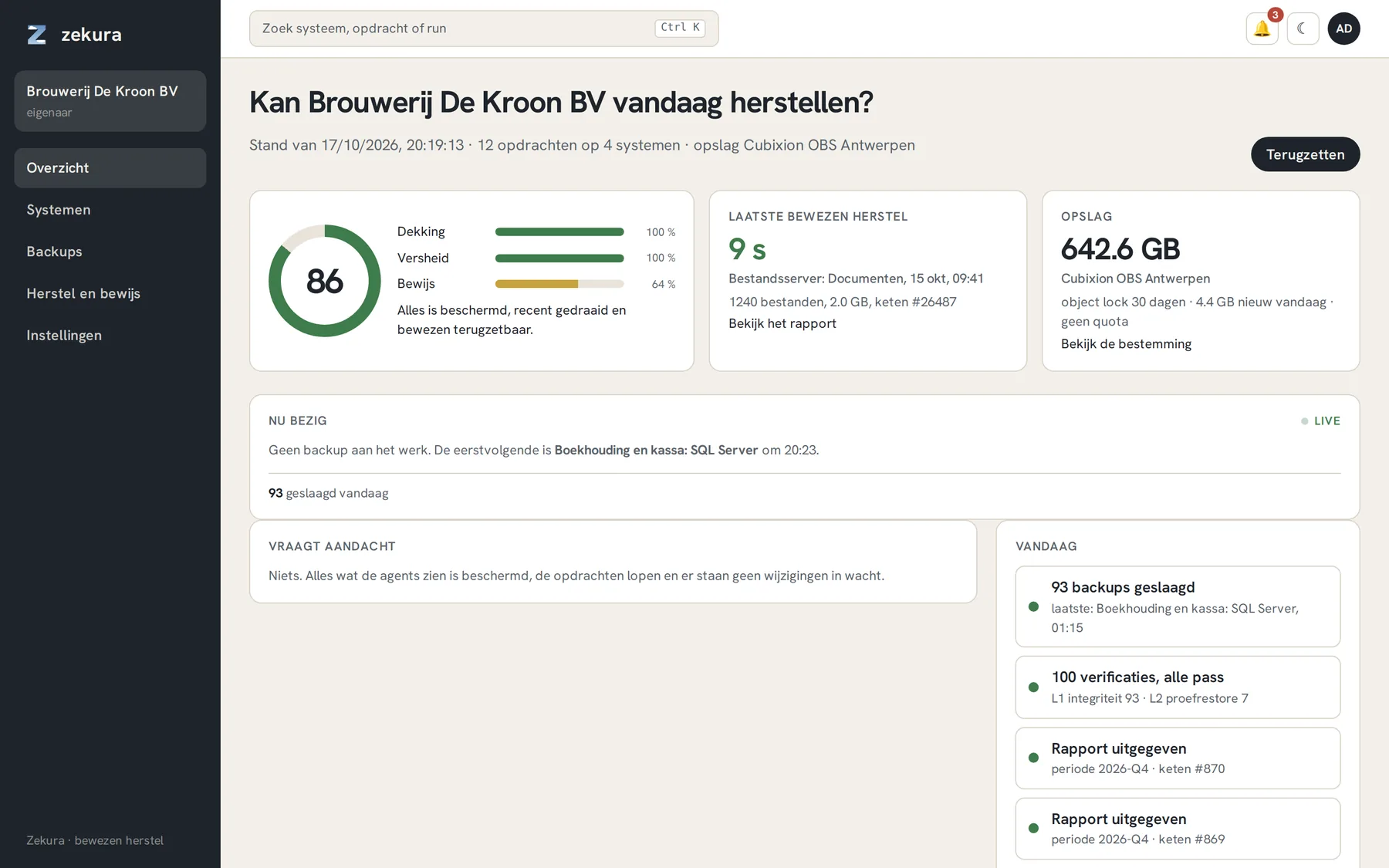
From now on this happens every night without you doing anything. What you still do: glance at "Needs attention" now and then, and once a quarter issue a report for your auditor.