- Home
- Documentation
- Microsoft 365 and Google Workspace
Documentation
Microsoft 365 and Google Workspace
Mail, OneDrive, SharePoint, Drive and Gmail via a connector host: mirrored incrementally, encrypted in your own storage, and a sample restored every week.
Why back up the cloud
Microsoft and Google keep their platform running; what you put in it is your responsibility (the shared responsibility model). A user who empties a folder, a former employee whose account is deleted, ransomware that arrives through a synchronised OneDrive: the 30- or 93-day recycle bin is not a backup. Also read the guide on Microsoft 365 backup.
The connector host
Zekura backs up cloud sources via a connector host: a small Linux VM of yours or your IT partner's running the ordinary agent. It fetches mail and files through Microsoft's or Google's API, keeps an incremental mirror and snapshots it to your storage, encrypted like everything else. The connection credentials are stored encrypted on that VM and never go to the platform.
Connecting Microsoft 365
- In Entra ID, create an app registration with application permissions for Microsoft Graph and grant admin consent: reading users, files, sites and mail (for restoring into the tenant also writing).
- Note the tenant id, client id and a client secret.
- On the connector host, add the connection and test it:
zekura-agent cloud add --name customerA --provider m365 --tenant-id <tenant> --client-id <client> --client-secret <secret>
zekura-agent cloud test --name customerA
Connecting Google Workspace
In Google Cloud, create a service account with a JSON key, enable domain-wide delegation for that account in the Workspace admin console with the read scopes for users, Drive and Gmail, and add the connection on the connector host:
zekura-agent cloud add --name customerB --provider google --service-account-file sa.json --subject admin@company.be
zekura-agent cloud test --name customerB
Creating jobs
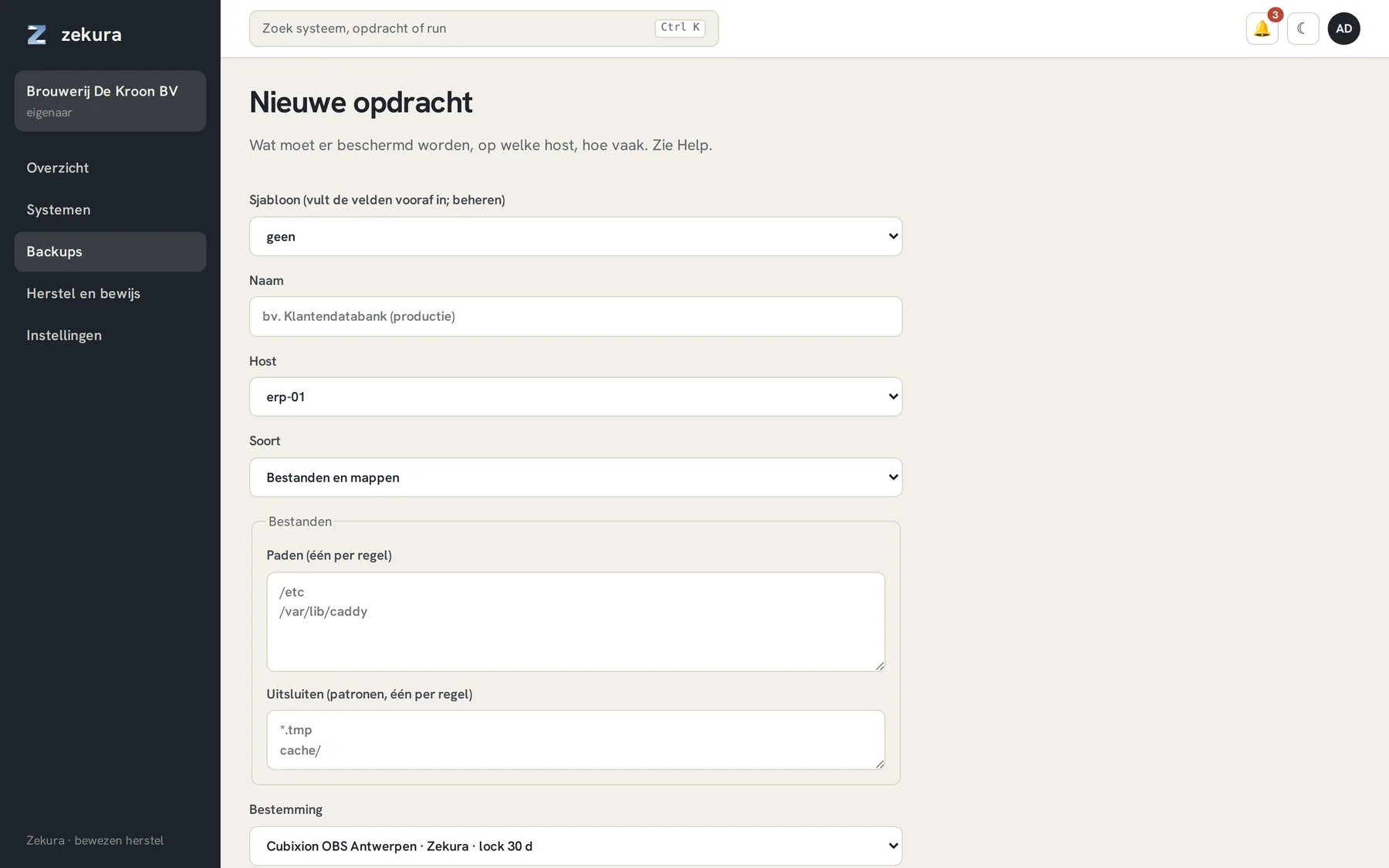
Within a few minutes the users, mailboxes, OneDrives and sites of the connection appear on the Components tab of the connector host; one click creates a job for them. The kinds: OneDrive and SharePoint, Exchange Online, Google Drive, Gmail. Google documents are stored as docx, xlsx, pptx or pdf. Mail is stored per message as .eml in the snapshot, so it is readable without Zekura too.
Restoring and verifying
You can restore to a folder on the connector host, or straight back into the tenant: always under a Zekura-restore folder, never over the original. Every week Zekura restores a small sample under Zekura-verify, reads it back, compares and cleans up. That is level 3 for cloud sources and is attached to the run as evidence.